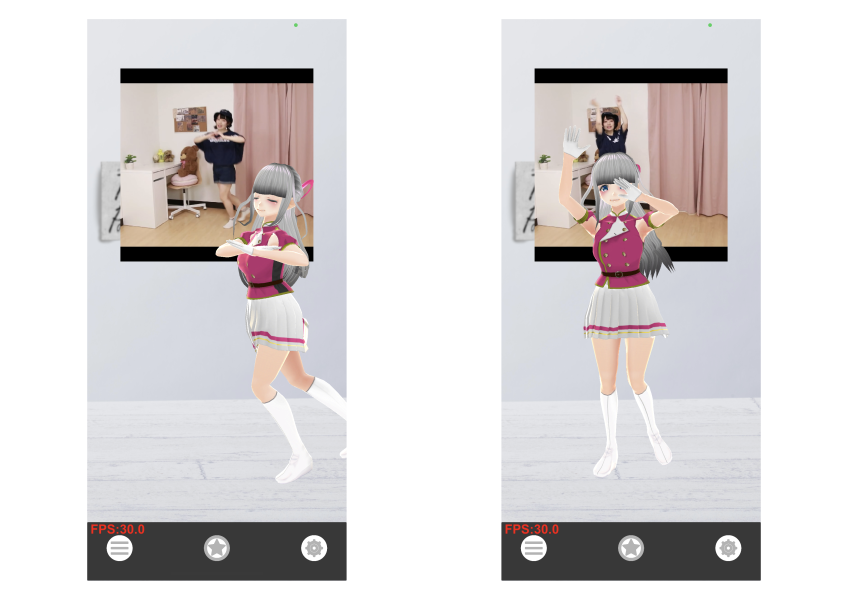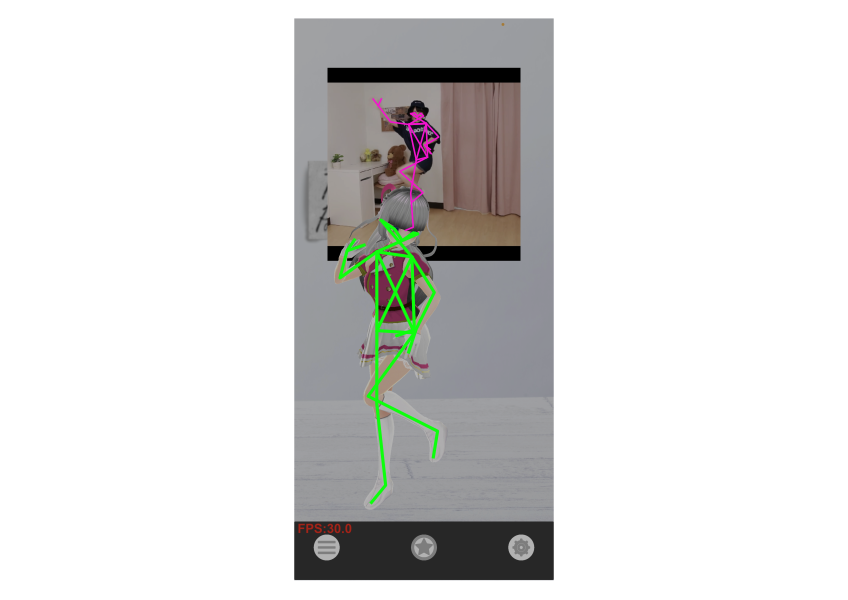

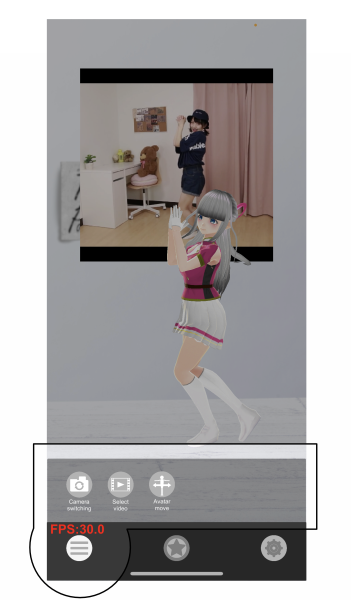
 Menu Button
Contains 3 main menus
 Camera Switch
Switch between front and rear camera. Can also switch to a wider angle when you can't get enough distance from the camera.
 Select & Play Video
Select a video saved in the iPhone Files app and play it. MP4 and MOV formats are supported.
 Avatar Control
Rotate, move, and scale the avatar.
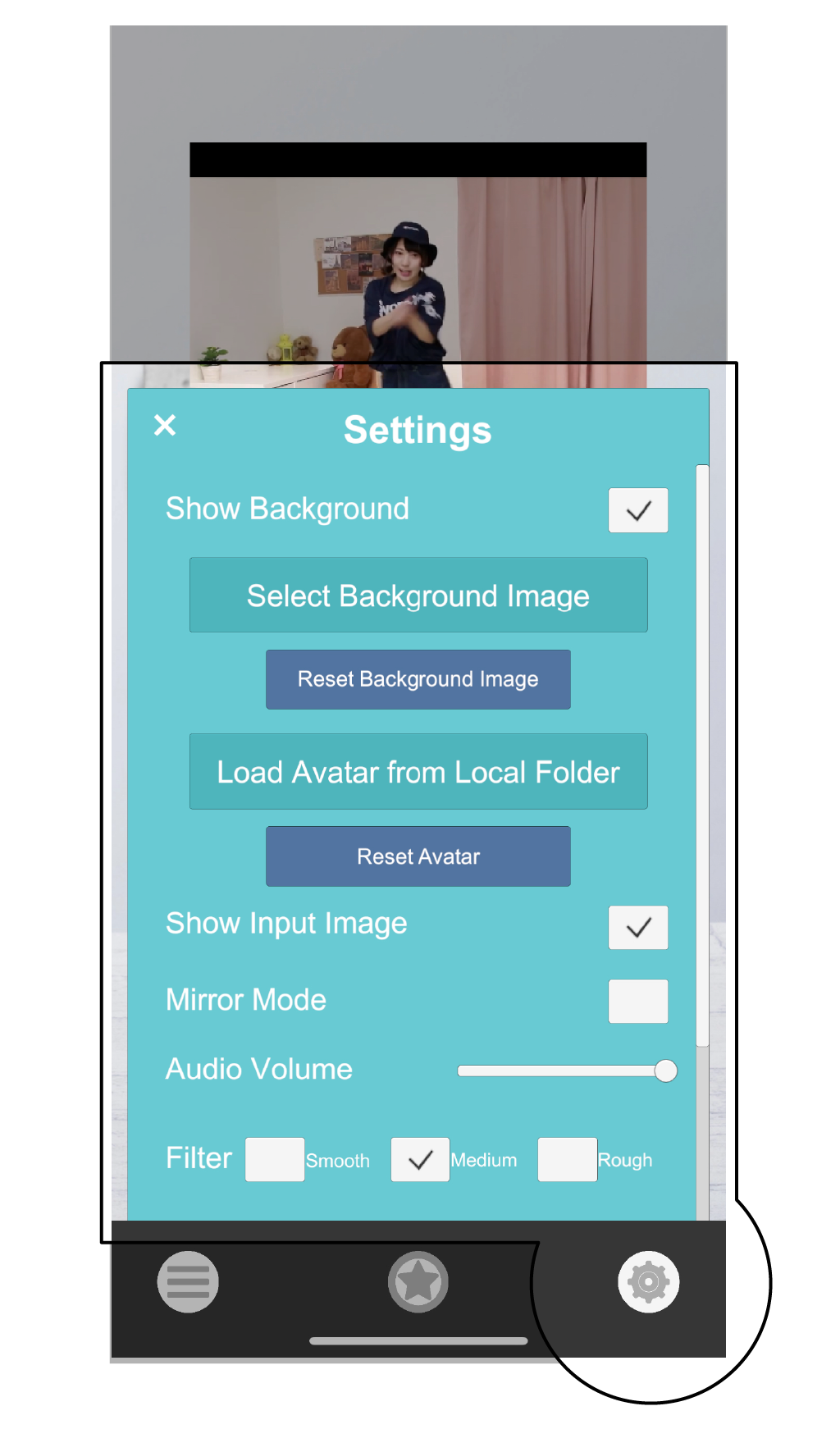
 Settings Button
Show Background
Show/hide the background.
Select Background Image
Select and change the background image.
Reset Background Image
Reset the background image to default.
Load Avatar from Local Folder
Select and change the avatar from a file.
Reset Avatar
Reset the avatar to default.
Show Input Image
Show/hide the input screen.
Mirror Mode
Flip the input screen horizontally.
Audio Volume
Adjust the video volume.
Filter
Select between sharp or smooth movement.
FPS
Change the FPS value for motion capture.
Show FPS
Toggle the FPS score display.
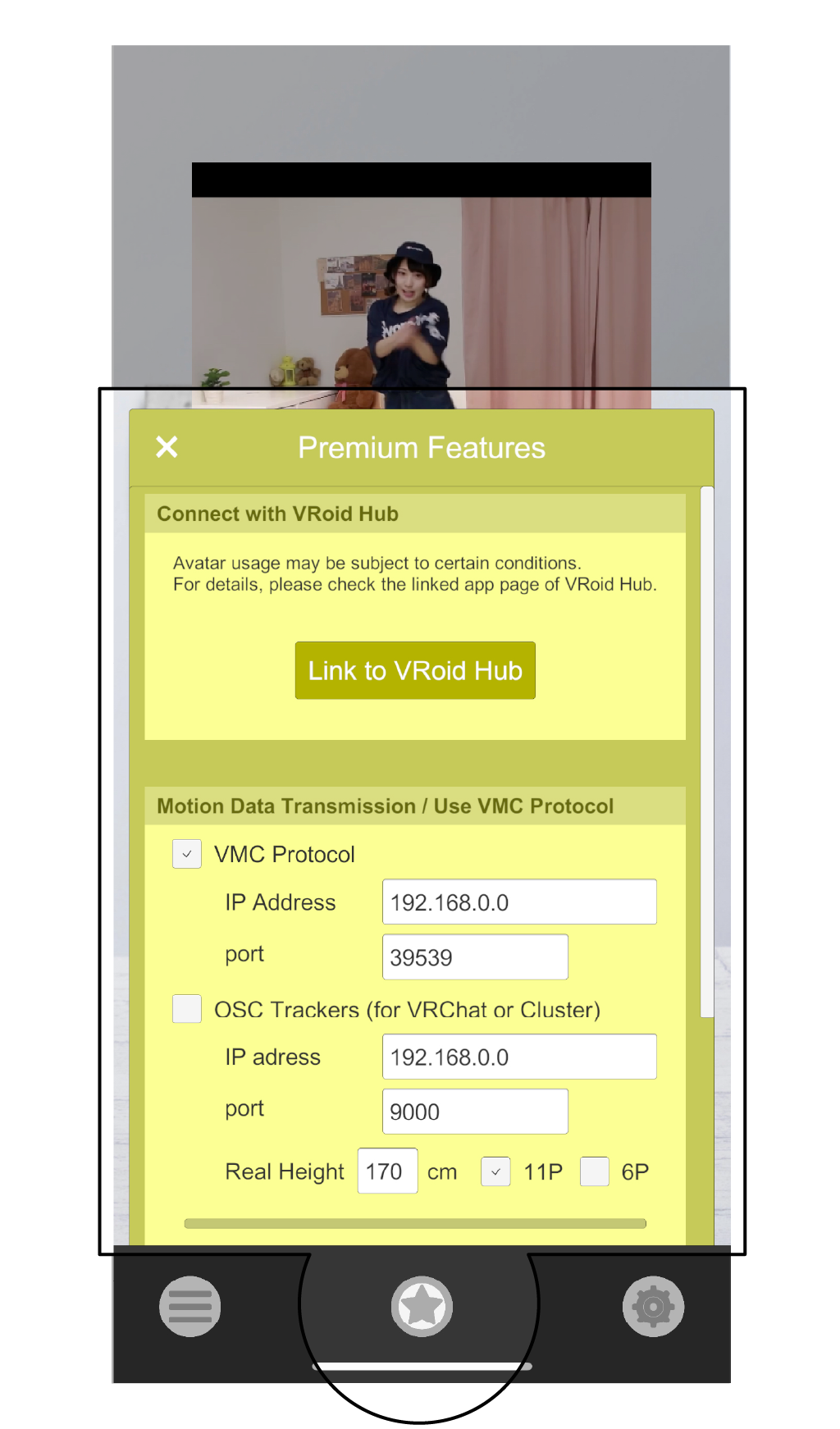
 Premium Button
Additional features available for purchase.
VRoid Hub Integration
Connect to VRoid Hub (@pixiv) to change to your own avatar or one you've hearted.
Motion Streaming
◆ Send motion data in real-time using VMC Protocol. Connect to the same network as the receiver, then specify the IP address and port number to send.
◆ Send OSC tracker information to other VR apps.(Motion Streaming Guide)
Export Motion Data
Record and export motion data in BVH and VMD formats.
Operating equipment
iPhone models released since iPhone 11
Before making an inquiry ... Please see the "FAQ" page.
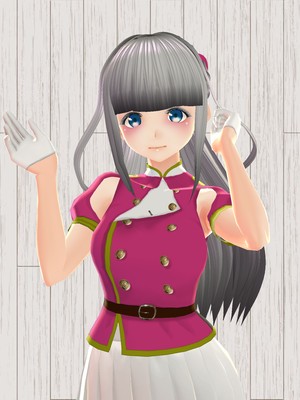
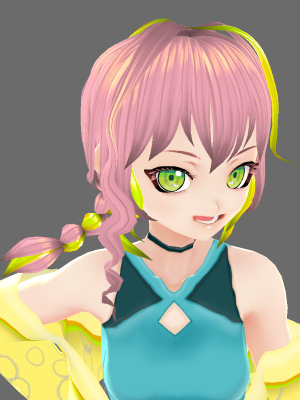
See here for our avatar.
TDPT standard avatar: Potete lune (VRoidHub)
Advertiser avatar: Tsukisaka Lisyuna (VRoidHub)
©DigitalStandard